
04 · macOS 14+
SwilClip
Your ultimate clipboard, always one shortcut away.
Version 2.0.0, free download

Clipboard history at the cursor. Private row contents are blurred in this capture.
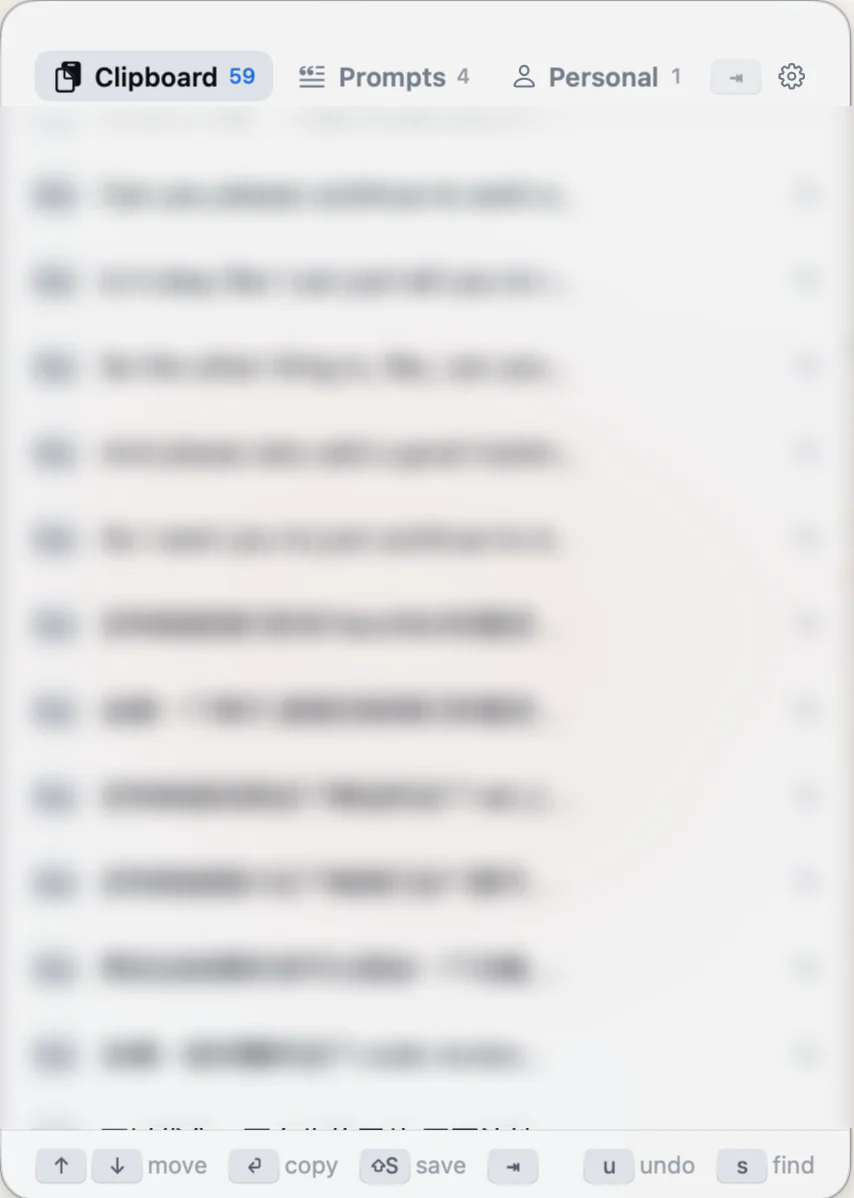
The product
⌘⇧V opens a 340×480 pt panel at the cursor. No Dock icon, no ⌘Tab entry.
Press ⌘⇧V and a 340×480 pt panel appears where the cursor is. Arrow keys move, ⏎ copies, a letter starts a search. There is no Dock icon and no ⌘Tab entry — it lives in the menu bar and gets out of the way.
Every history row is encrypted at rest with AES-256-GCM, and clipboards that come from a password manager are never written down. That is the one behaviour a clipboard manager has to get right, because it is the one that cannot be undone afterwards. A prompt library sits beside the history, and ⇧S saves any entry into it.
The Swift package declares zero external dependencies, and SwilClipCore links no AppKit at all, so the whole suite runs headless in about 0.15 s. That was not a purity exercise. Before the core was split out, the half of the codebase that needed a window server had no tests and shipped four wiring bugs.
Current edge
What is unfinished, and what comes next.
2.0.0 went out on 2026-08-21 as the first release from the notarized pipeline: a Developer ID signed, stapled universal DMG on GitHub Releases. There is no Mac App Store listing. User-defined collections are designed and in progress on a branch, and are not part of 2.0.0. The Tauri implementation stays frozen at 0.1.3 rather than deleted — ADR-0001 records why, and the pre-push hook still typechecks, lints and tests it so the archive cannot rot.

A character from the product
“At the cursor when you need it. Nowhere near your passwords.”
半键 · Hands · drawnDrawn and imagined, never a customer quote.
A question about SwilClip?Write to the studio ↗